



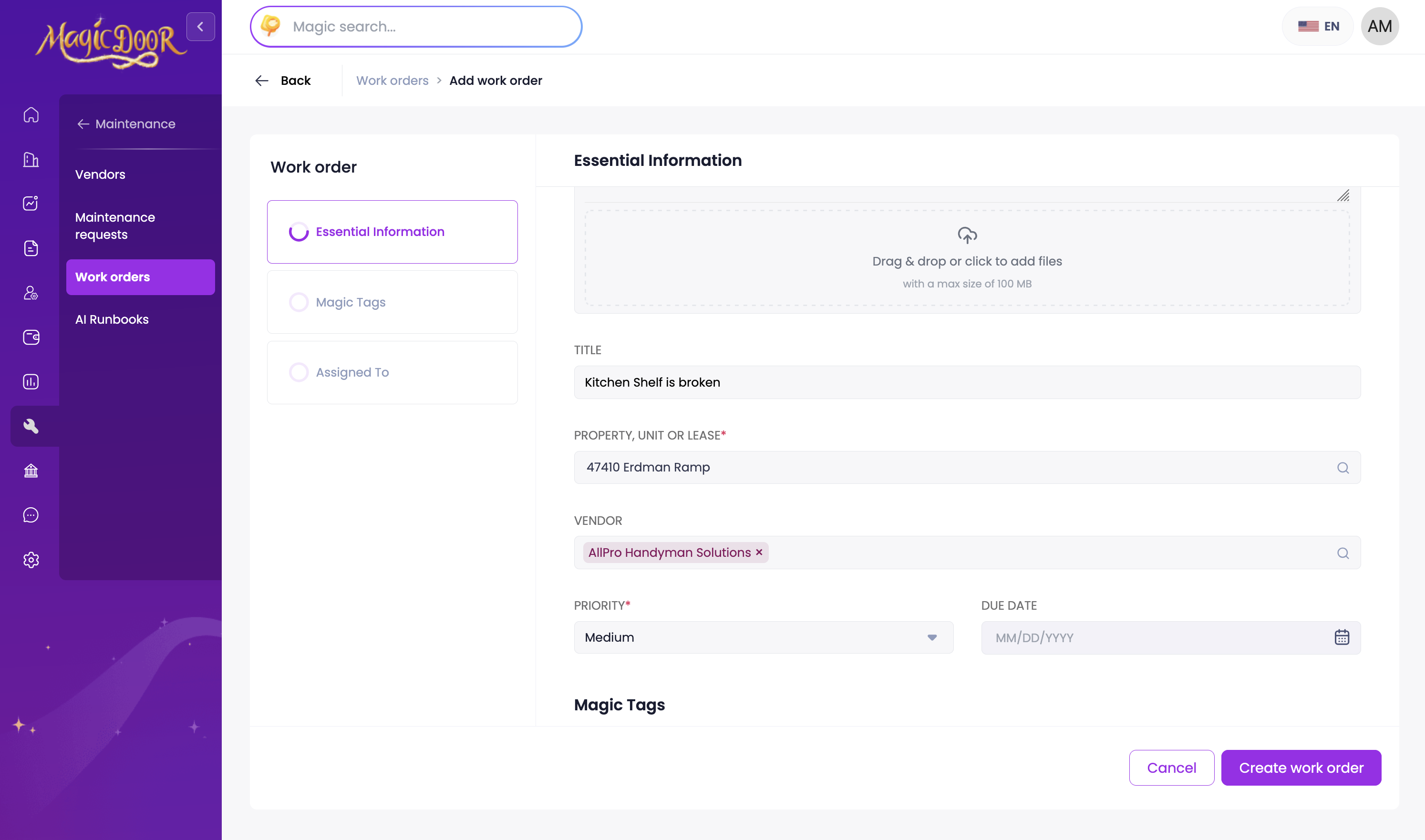
Follow these steps to create a new work order:
Access the creation form:
- Click on Maintenance in the left sidebar
- Select Work Orders from the menu
- Click the Add Work Order button

Submit the work order:
- Complete all required fields in the form
- Add any relevant details or attachments
- Review the information for accuracy
- Click Create Work Order to submit
Need More Help?
If you have questions, our support team is always here to assist.
👉 Contact us anytime at support@magicdoor.com